
Top 10 Platforms for Selling PDFs
Selling PDFs – e-books, guides, templates, workbooks or reports – is one of the simplest digital businesses to start. The platform you choose decides how much of each sale you keep, how buyers find you, and whether your file ends up shared for free. Below we compare the most popular options and their fees. Fees were checked on each platform's pricing page in October 2026.
PDF selling platforms: fees at a glance
| Platform | Monthly fee | Fee per sale | Best for |
|---|---|---|---|
| Gumroad | $0 | 10% + $0.50 (30% for Discover marketplace sales) | Starting out, creators with an audience |
| Payhip | $0 / $29 / $99 | 5% / 2% / 0% + payment processor fees | Lower fees as you grow |
| Etsy | $0 | $0.20 listing fee + 6.5% transaction fee + payment processing | Printables and planners, marketplace traffic |
| Amazon KDP | $0 | You earn a 35% or 70% royalty | E-books for Kindle readers |
| SendOwl | from $39 ($32.50 billed yearly) | No transaction fee listed | Selling from your own website |
| E-junkie | $8 – $40 | No transaction fee | Cheap buy buttons for your site |
| Shopify | Monthly plan | Payment processing | A full online store |
| HelpRange | Plans | – | Selling PDFs that cannot be copied or shared |
1. Gumroad
Gumroad is the default choice for many first-time sellers: upload a PDF, set a price and share the link. There is no monthly fee; Gumroad takes 10% + $0.50 per direct sale and 30% when a new customer finds you through its Discover marketplace. Delivery is automatic and you get basic sales analytics.
2. Payhip
Payhip offers a free plan with a 5% fee per sale, a $29/month plan with 2% and a $99/month plan with no transaction fee. PayPal and Stripe processing fees are charged on top on every plan. It hosts your files, delivers them after purchase and supports coupons and upsells.
3. Etsy
Etsy is a marketplace with buyers already searching for digital downloads such as planners, printables and patterns. You pay $0.20 per listing and a 6.5% transaction fee, plus payment processing. The trade-off is heavy competition from other digital sellers.
4. Amazon Kindle Direct Publishing (KDP)
KDP gives you access to Amazon's readers, but your book is sold in Kindle format rather than as a PDF download. You choose a 35% or 70% royalty per e-book; the 70% option is limited to a price range and eligible territories and deducts a small delivery cost.
5. SendOwl
SendOwl handles checkout and delivery for products you sell from your own website or social media. Plans start at $39/month ($32.50/month billed yearly) and are limited by yearly orders and sales volume.
6. E-junkie
E-junkie provides a shopping cart and "Buy Now" buttons for your website, with plans from $8 to $40/month depending on the number of products and no transaction fee.
7. Shopify
Shopify is a full e-commerce platform. With a digital downloads app you can sell PDFs alongside physical products, but you pay a monthly plan and it is more than you need for a single e-book.
8. HelpRange
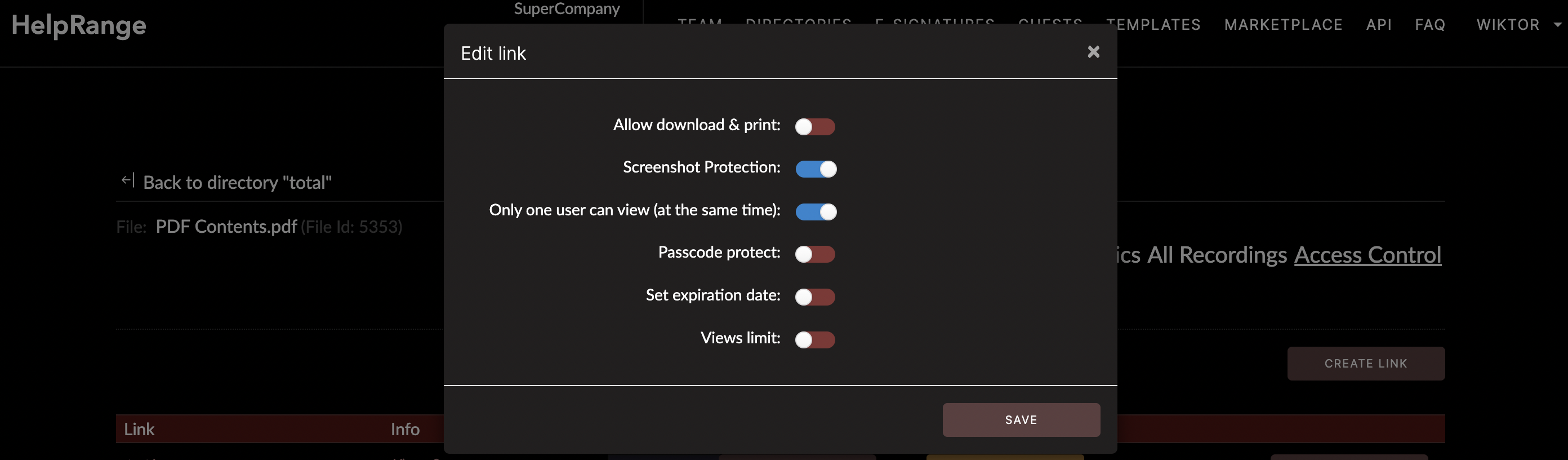
The weak spot of most platforms is what happens after the sale: a downloaded PDF can be forwarded to anyone. HelpRange lets you sell access to a PDF that is viewed online, with copy, download and print protection, dynamic watermarks and analytics showing who read which page.
How to choose a platform to sell PDFs
- No audience yet: a marketplace (Etsy, Amazon KDP, Gumroad Discover) brings buyers, at a higher fee.
- You have an audience: Payhip or Gumroad direct links keep more of each sale.
- High-value content (courses, reports, research): protect the file so one sale does not become a hundred free copies.
Note: Selz, which appeared on earlier versions of this list, was shut down by Amazon in 2022.